

Ssrc SVG: SVG Plugin for Internet Explorer

Ssrc SVG is a plugin for rendering SVG and XUL in Microsoft Internet Explorer (MSIE) versions 6, 7, and 8 on Windows 7, Vista, Server 2008, XP, and Server 2003. Microsoft's release of MSIE 8 without SVG support combined with Adobe discontinuing support for its SVG viewer forced enterprise developers to consider abandoning Internet Explorer or abandoning SVG. Even though MSIE 9 is now available, supporting much of the SVG 1.1 specification, it is available only for Windows 7, leaving enterprise deployments still using Windows XP with few options. Recognizing that a large number of enterprise deployments rely on various versions of MSIE, Savarese Software Research Corporation produces a plugin that puts MSIE on equal footing with Mozilla Firefox, Safari, and Opera in the ability to render SVG documents. As an added bonus, it will run applications developed with Mozilla's XUL.
As of November 2012, we do not plan on making any new Ssrc SVG releases now that MSIE 8 usage is declining in favor of MSIE 9 and 10. Should you have special needs requiring an updated release, contact us about contracting the development work.
Version numbers correspond to the Mozilla Gecko version of the source, which is in sync with the Firefox version as of version 5.0.
How to Render HTML5 with Ssrc SVG
To force MSIE to load an HTML5 or XHTML page (possibly containing inline SVG) using the plugin, you can create an SVG file that redirects to the page. MSIE will load the SVG file using the plugin, which will process the redirect and load the XHTML page. This approach is compatible with all SVG-capable browsers.
If you have another SVG plugin (e.g., Adobe SVG Viewer) installed prior to installing Ssrc SVG, Ssrc SVG will override the functionality of the previously installed plugin. If you then uninstall Ssrc SVG and want to restore the functionality of the previous plugin, you will likely have to reinstall it or use that plugin's facility for reassociating itself with the proper SVG file name extensions and MIME types.
Special Considerations
Currently, we provide only a 32-bit plugin. It will not work with a 64-bit version of MSIE.
The <object> tag may not work if the object data is not served
with the proper content type (it should be image/svg+xml).
The <embed> tag works only with a fully qualified
URL as the src attribute value.
You must uninstall the previously installed version before installing a new version in order to ensure correct functioning.
A change introduced via Windows Update has altered the behavior of the
plugin on MSIE 6 and 7. If the <object> tag does
not work as expected on MSIE 6 and 7, you will have to use an explicit
class id and a fully qualified URL or use the <embed>
tag. For example, the following used to work on all supported versions of
MSIE:
If the above produces a blank area in MSIE 6 or 7, you will have to use the following (note the class id and parameters):
This work-around is not necessary for MSIE 8.
Ssrc SVG is not original software developed by Savarese Software Research Corporation. Instead, Savarese Software Research Corporation acts as a packager and support provider for the Mozilla ActiveX control. We have not modified the Mozilla source code in any way, only having compiled it. Mozilla® is a registered trademark of the Mozilla Foundation. Therefore, even though the source code is unmodified, we cannot refer to the plugin as the Mozilla ActiveX control. In no way should the plugin be construed as an official Mozilla product.
Examples
Screenshots
Markup Samples
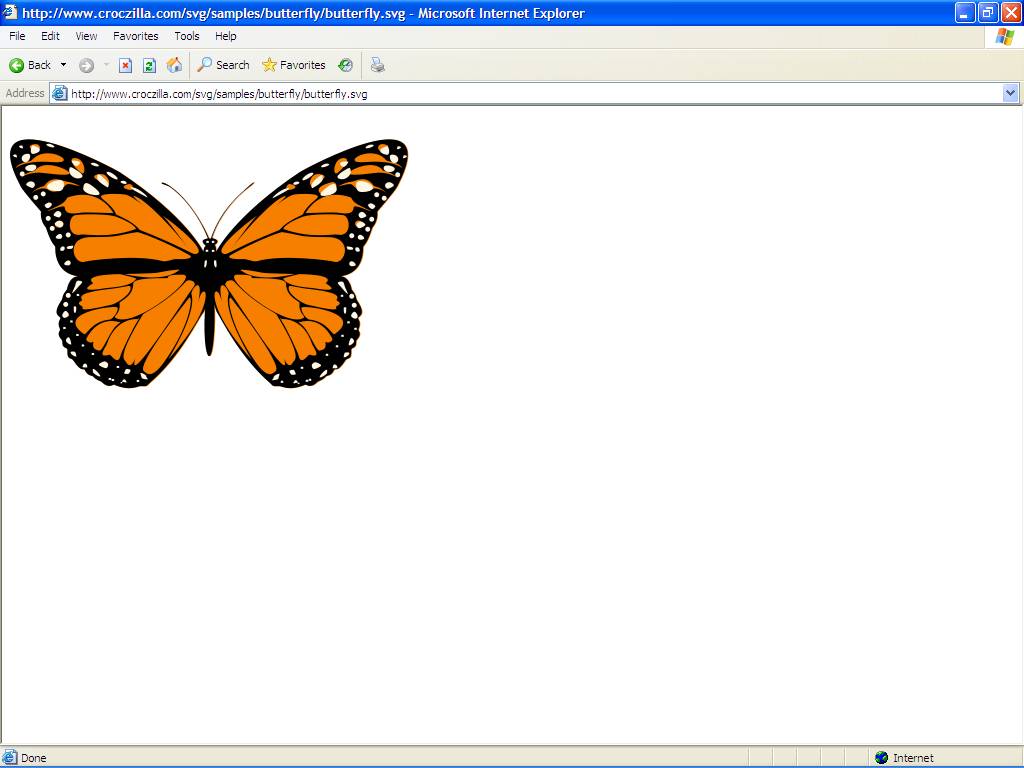

Eventually, we'll add sample markup showing how to embed SVG for display with any SVG-capable browser, including MSIE with Ssrc SVG.
It is possible to use the <canvas> tag and other features
that Internet Explorer does not support via the plugin. For example,
you can create an xhtml file that uses <canvas>, but name it
with an svg extension and load it via an <object>
tag. The canvas will display and function properly in MSIE, Firefox,
Safari, and Opera.
For example, once you install the plugin you should see a square grid
below. It's not an embedded SVG file, but instead an XHTML file that
uses <canvas>. If you are viewing this page with Firefox,
Safari, or Opera, you should already see the <canvas>
grid. Using this technique, the Ssrc SVG plugin provides a
cross-browser portable way to use <canvas> and other
HTML 5 features in enterprise applications.